For singers
Learn the music.
Open the app and everything for this week is there: the score, the tracks, the notes. Nothing to dig out of an email.
Sheet music
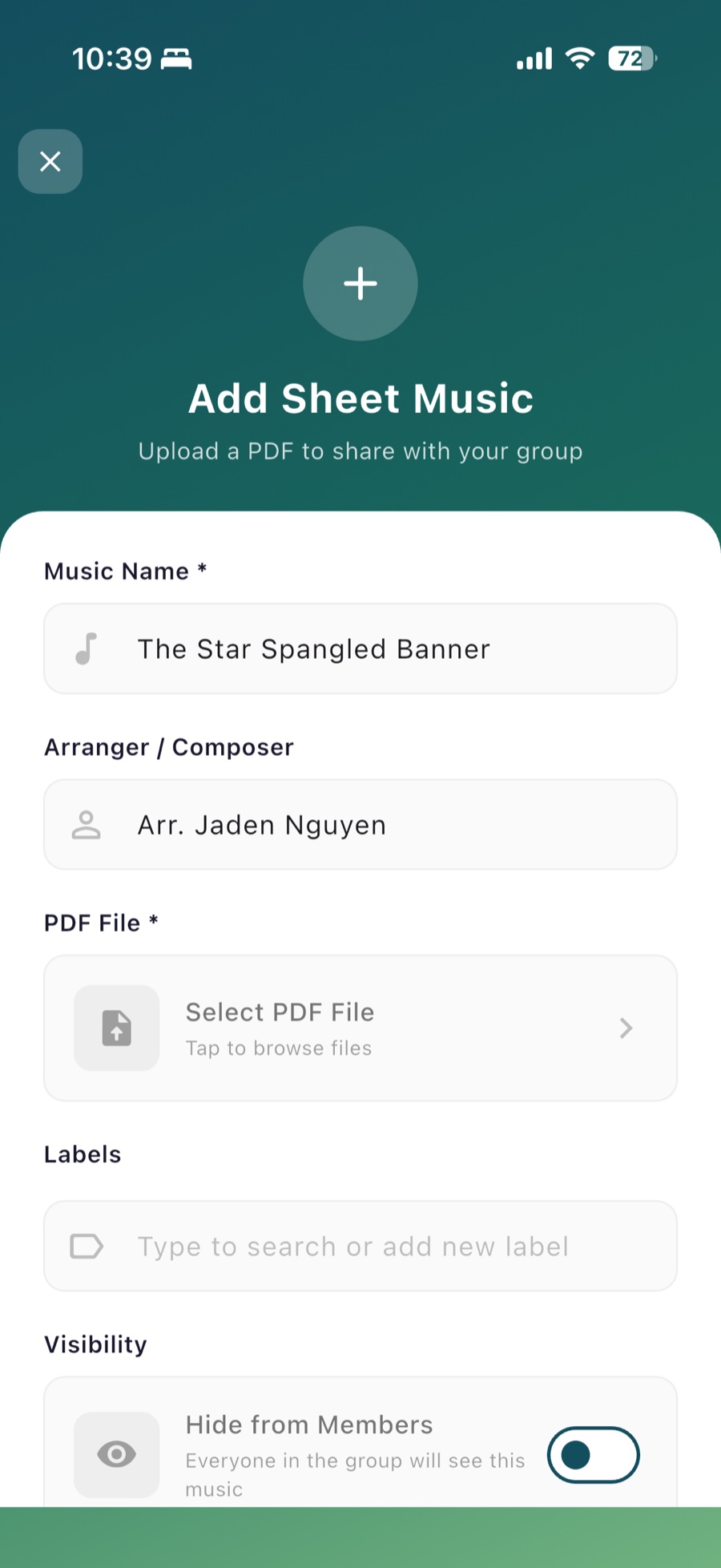
Every score on every singer’s phone, the moment it’s uploaded.
Upload a PDF once and it’s in the music list for the whole group. Read it page by page or scroll, pinch to zoom, and tap to turn pages when your hands are busy. Add a title and arranger so it’s easy to find later.
Learning tracks
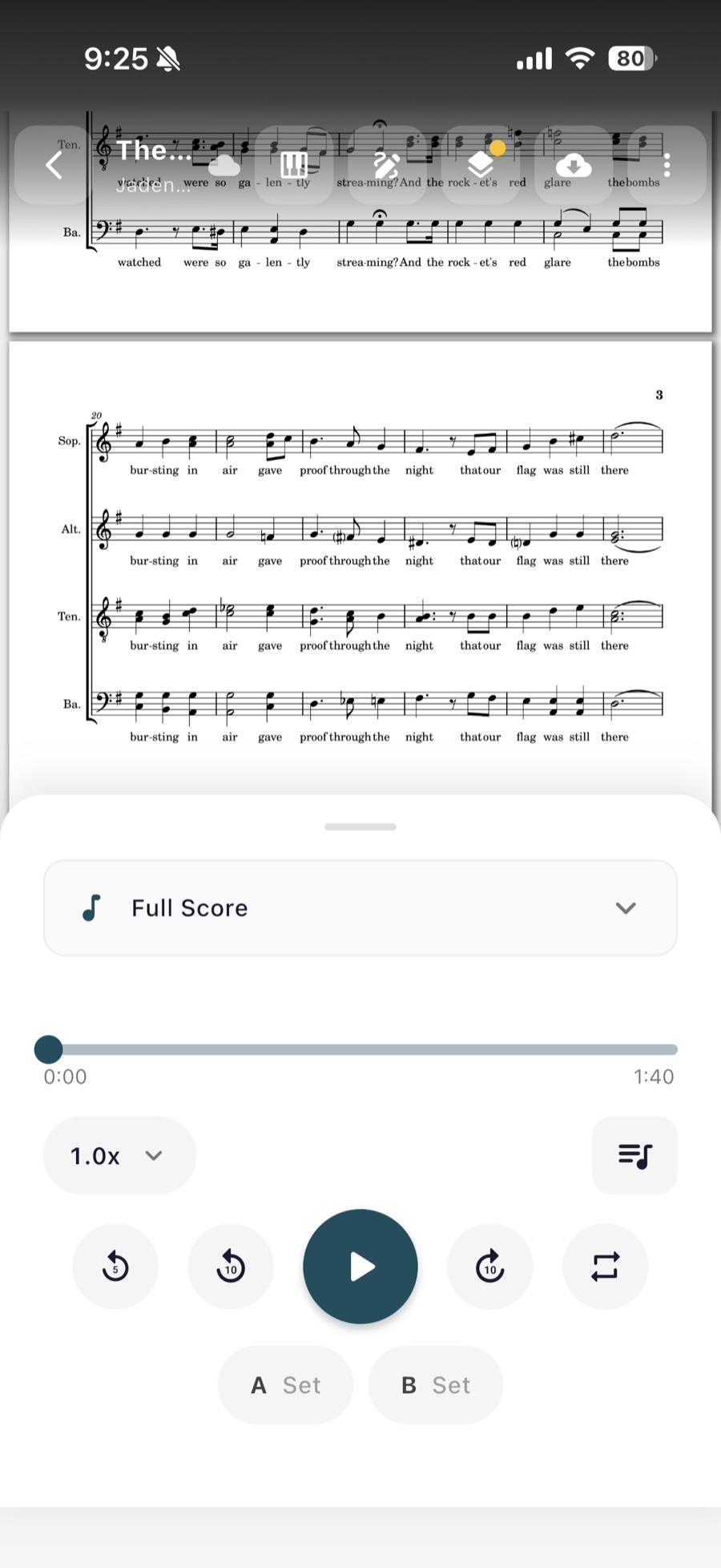
Upload whatever tracks your singers need, and they’ll find them right next to the music.
Add any audio to a sheet: a full mix, a rehearsal recording, or a part-dominant learning track for each voice part, sorted into folders so any singer can find their track in one tap. Slow a track down without changing the pitch, loop the hard passage, or link a recording from Spotify, Apple Music, or YouTube. A piano keyboard and a pitch pipe are built into the reader.
Tag library
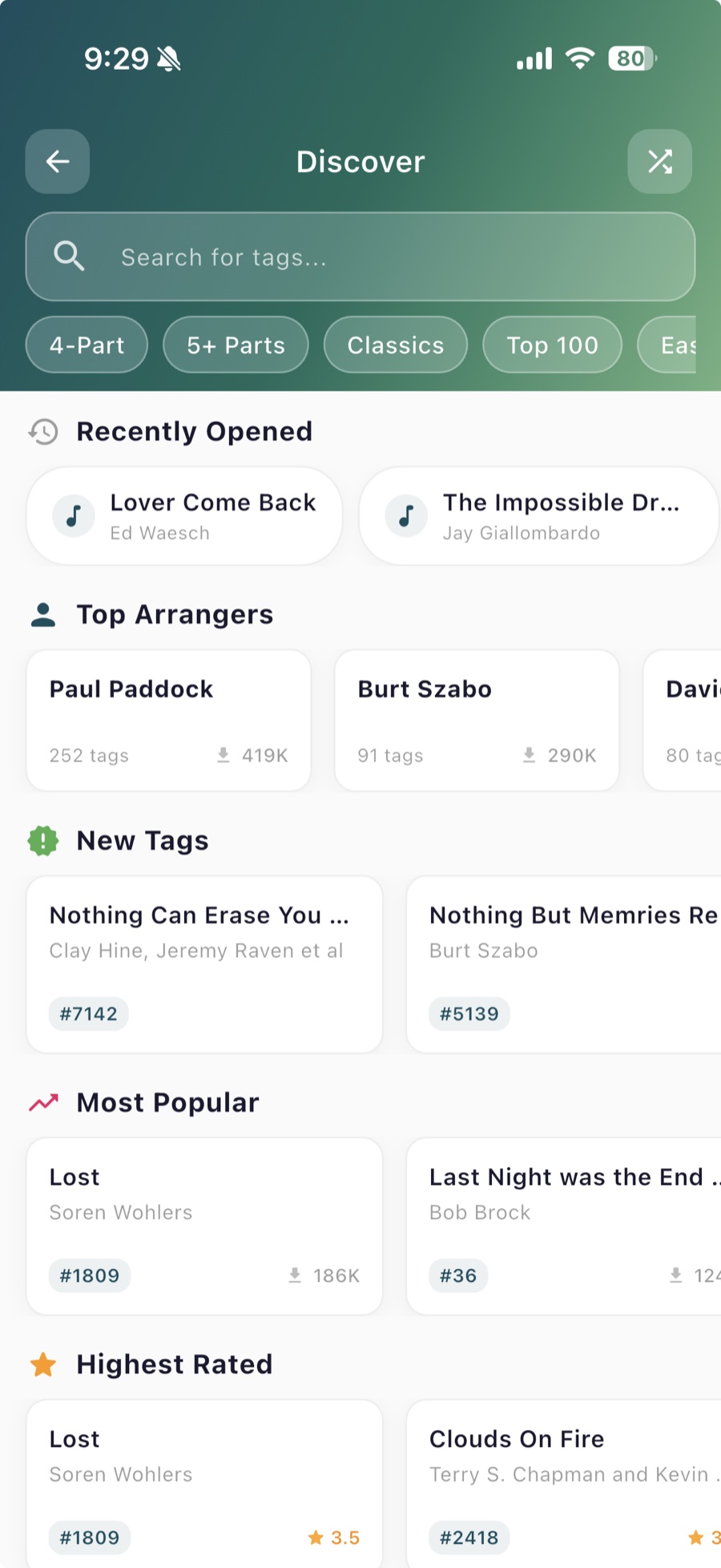
A library of barbershop tags, most with every part recorded, ready for the parking lot.
Join the public tag group, with or without a chorus. Most tags come with tenor, lead, bari, and bass tracks, so you can learn your line or play all four parts to hear it ring. Favorite the ones you sing, browse by arranger, or import your Goodtags library in one step.
“Score Stack is excellent for collaboration. The Barbershop tag integration is my new go-to for tagging, as it is very intuitive. I’ve been using the app for several years, and it has consistently been high quality, with regular helpful updates.”
Labels
Organize the music your way, so this week’s songs are one tap away.
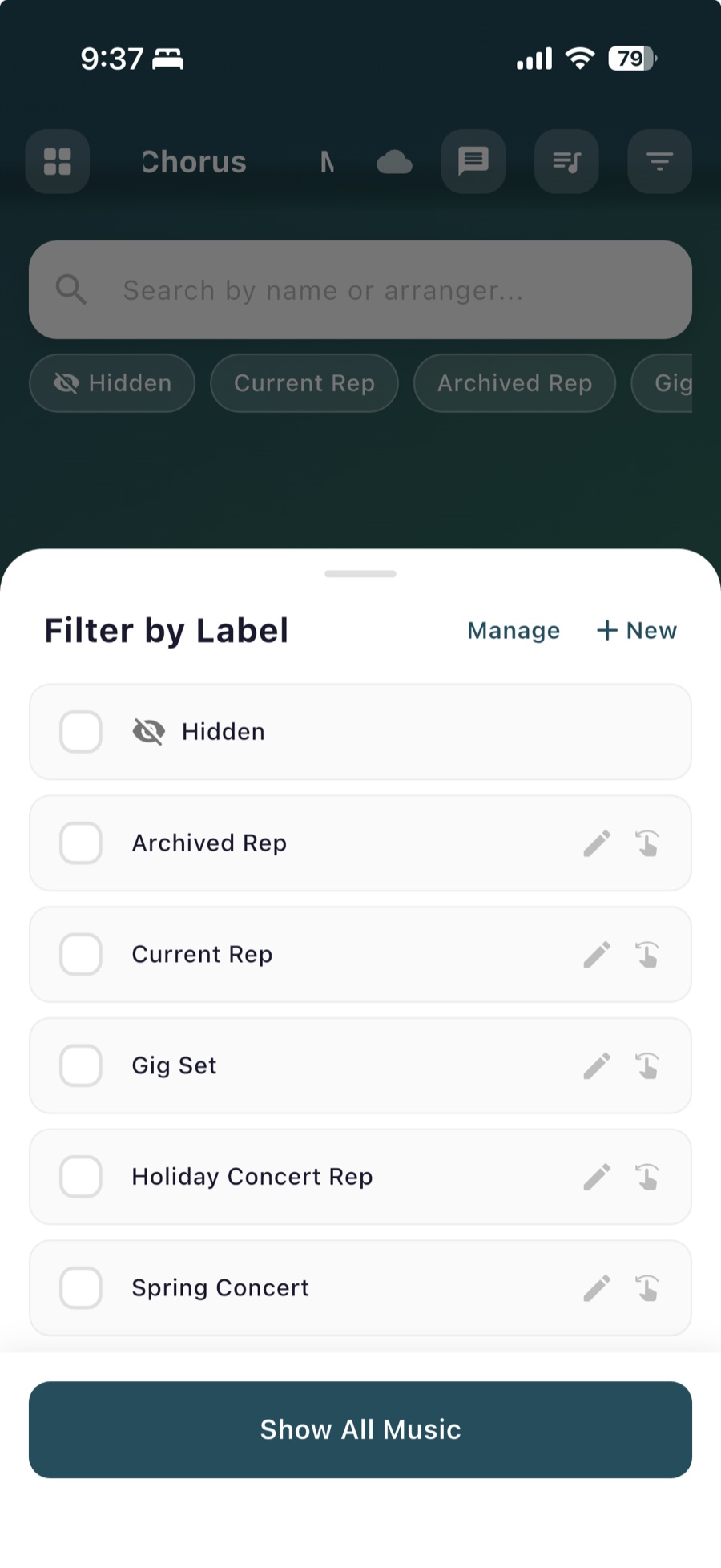
Label sheets by season, concert, voicing, or anything else that fits how your group works. Filter the music list by a label and the rest gets out of the way. Managers can tick every sheet against every label in one grid and save it all at once.
“As a church choir director, Score Stack is immensely helpful to me. I use it to label sheet music by liturgical season so I can keep all my current hymns in the same place on my device throughout the year. The integrated part tracks are also very useful for my singers!”
Works offline
The music still opens when the rehearsal room has no signal.
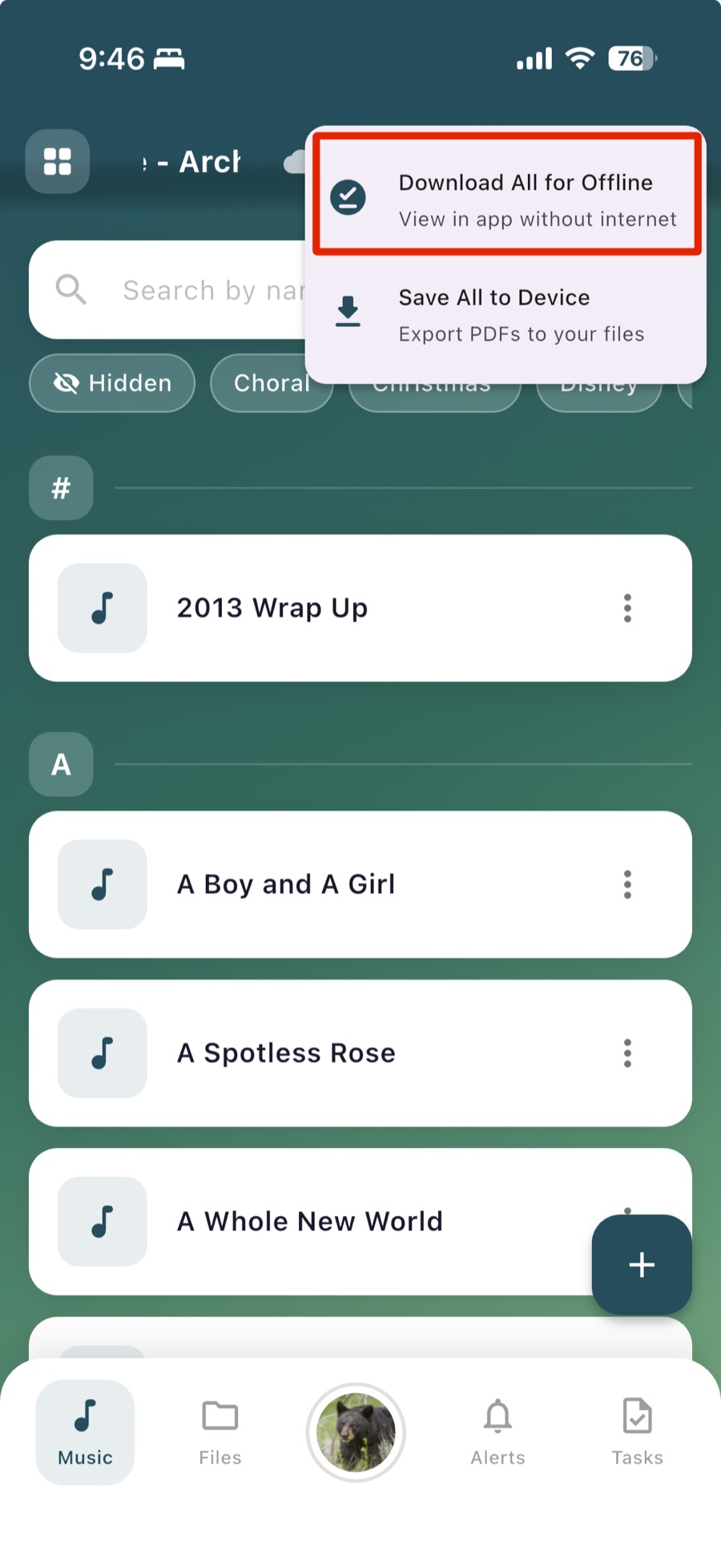
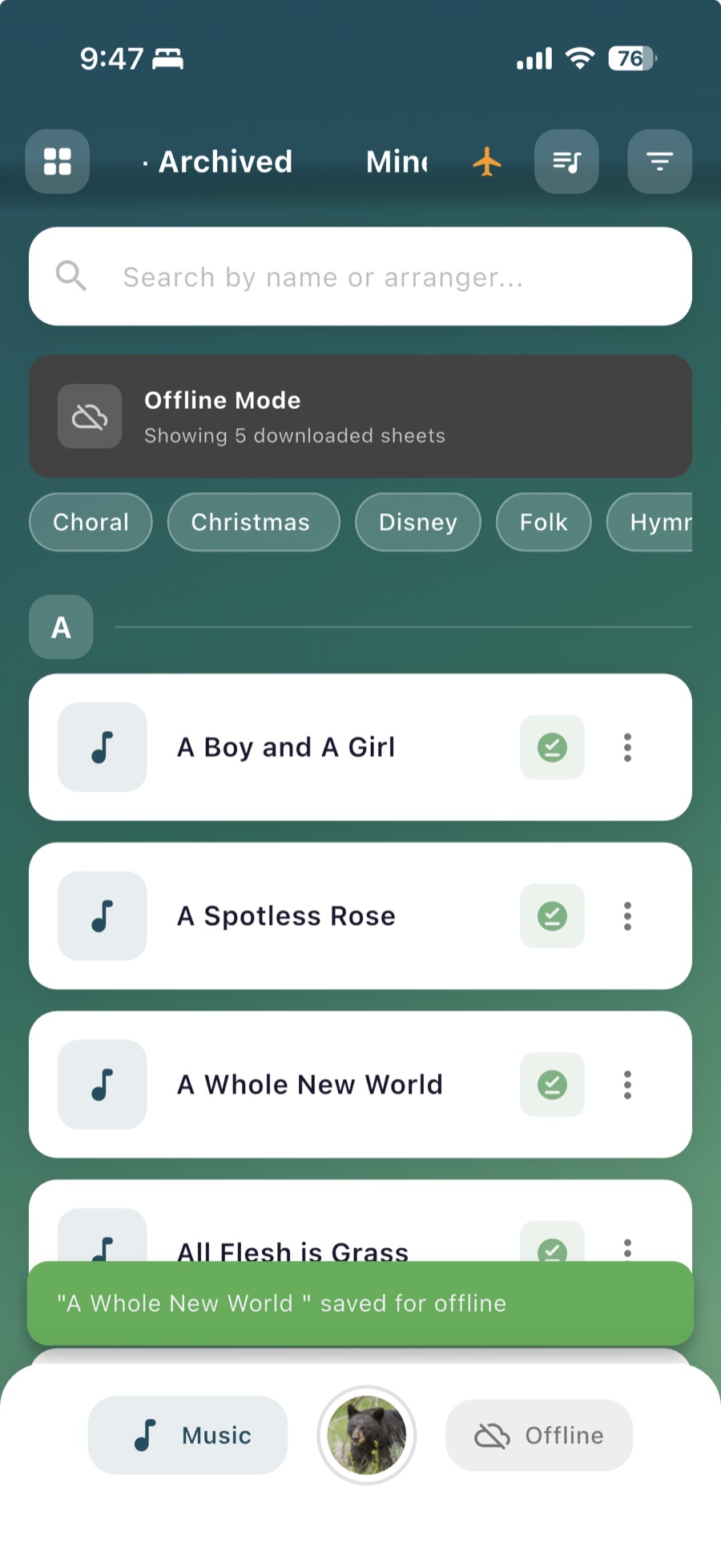
Download a sheet and the app saves the PDF, its tracks, and the markings to your phone. Turn on auto-download for a group and new music is there before you need it. Setlists and the calendar are saved too.
Offline downloads are on iPhone, iPad, and Android.
For directors
Run rehearsal.
Mark it once and everyone’s copy is right. Know who’s in the room.
Director’s markings
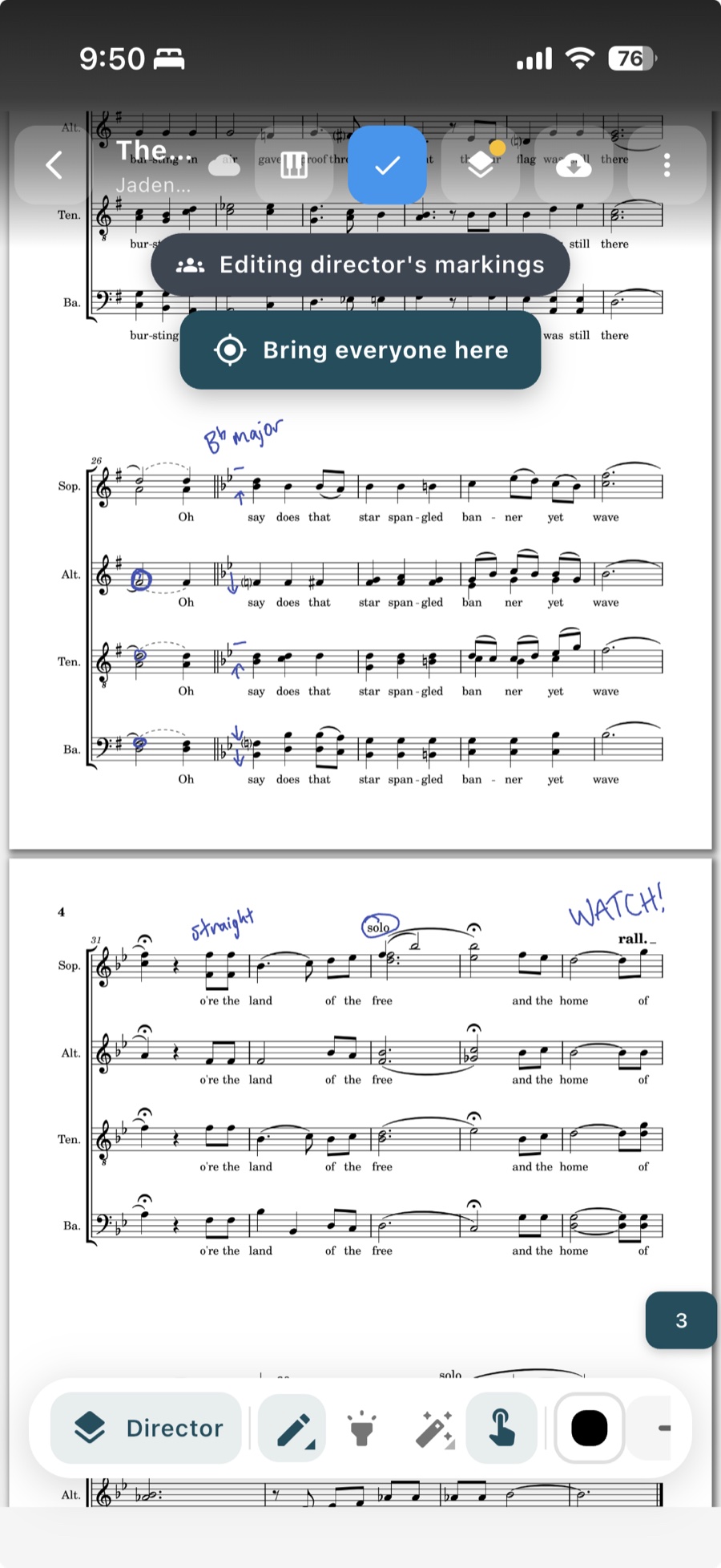
Mark up the score once, and every singer sees it on their copy right away.
Breath marks, cuts, dynamics: draw them on the director’s layer and they appear on every singer’s phone as you draw, in real time. Singers keep their own private markings on top, and can show or hide yours. Pen, highlighter, eraser, undo, and a “bring everyone here” button that jumps the whole group to your page.
“Score Stack is amazing! I love how easy it is to navigate and how many features there are. My favorite feature is being able to see director notes added to the music in real time.”
Setlists
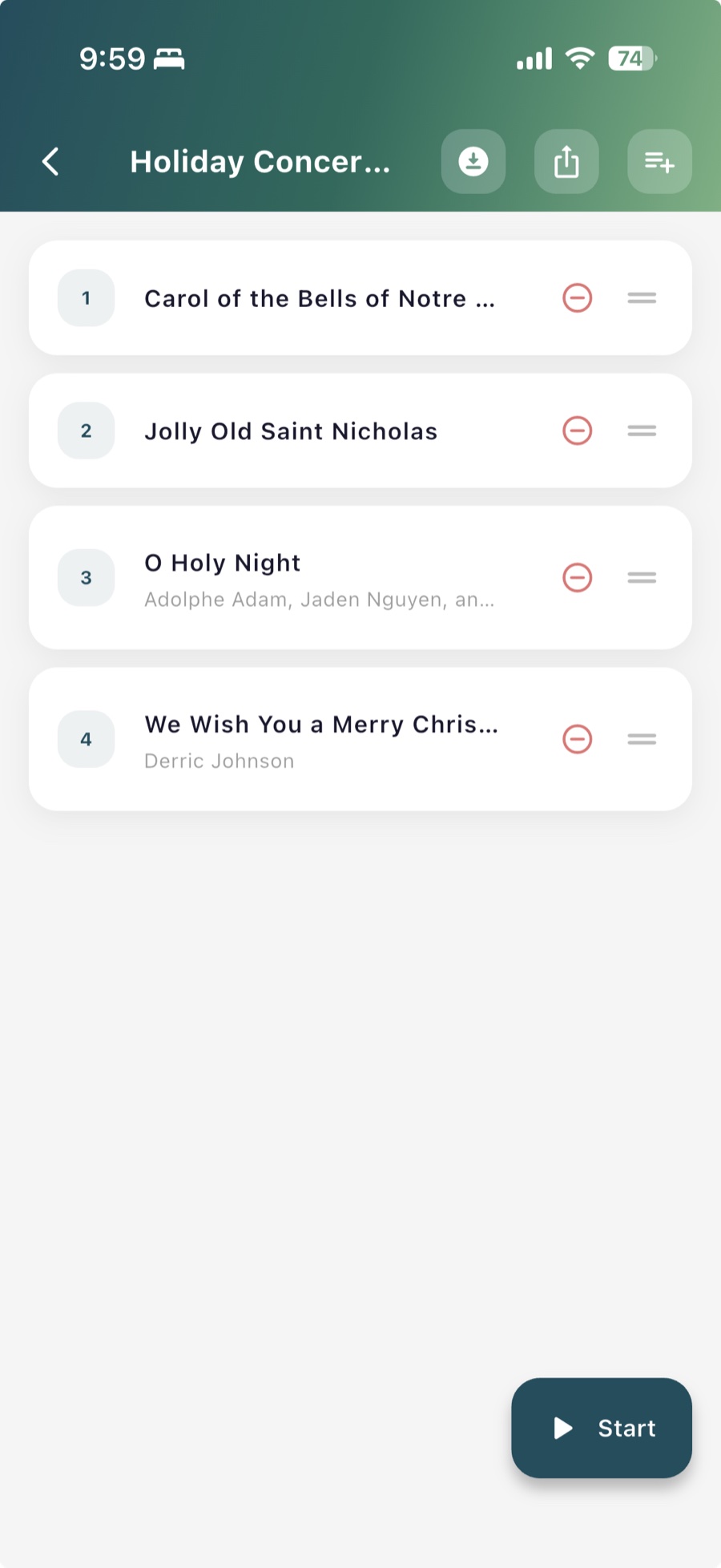
Put tonight’s music in order: the group reads it that way, and so can the audience.
Build a setlist from your sheets, drag to reorder, and attach it to a rehearsal or a concert on the calendar. Singers swipe through it in one go, download it for offline, or share it as a text list or a printable program. On concert night the same setlist becomes a public Showtime program the audience follows on their phones.
Attendance
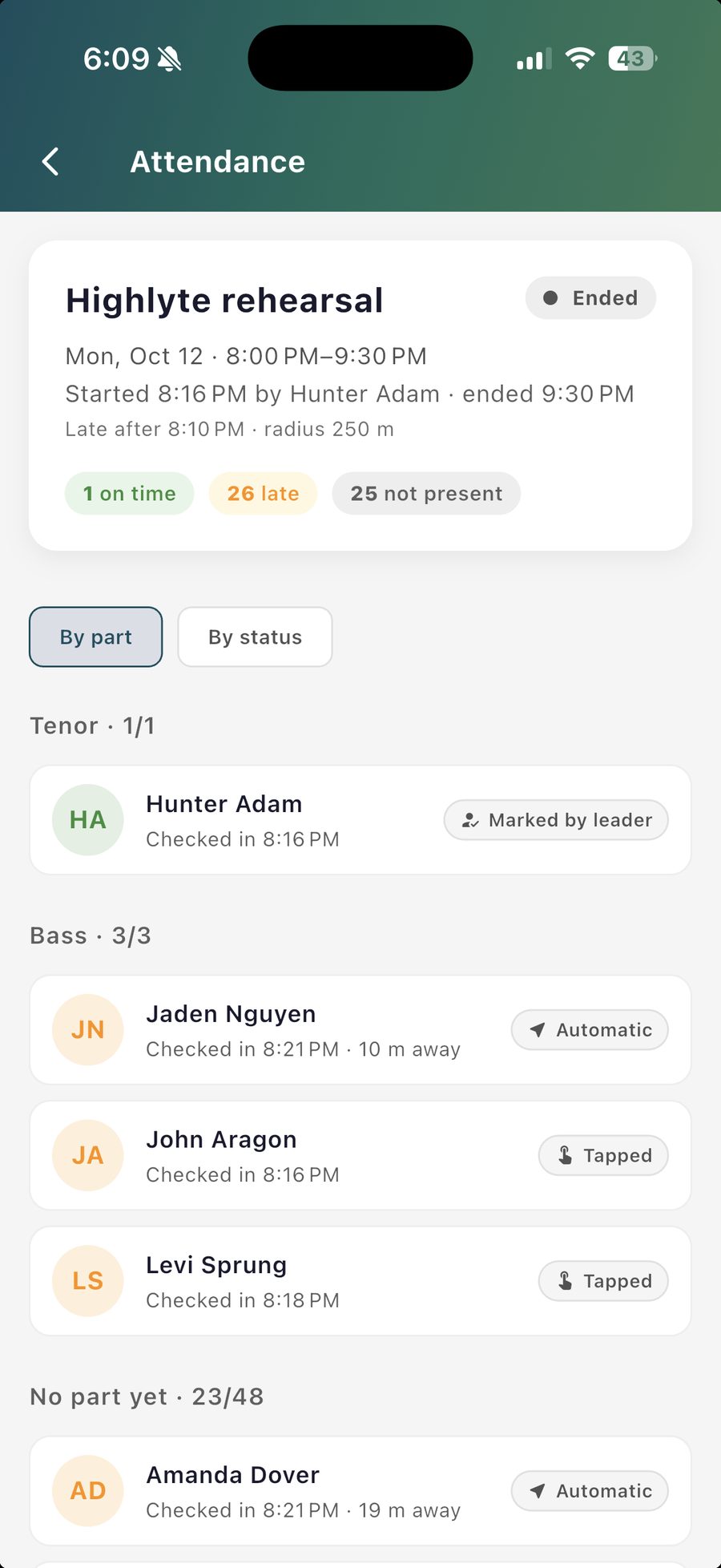
See who’s at rehearsal without passing a sign-in sheet.
Start a session from the app, and singers in the room check in with a tap, or are counted automatically when they’re nearby. Mark anyone from the roster, and look back at past rehearsals later.
For admins
Run the group.
Rosters, roles, files, and tasks, without a spreadsheet on the side.
Rosters and join links
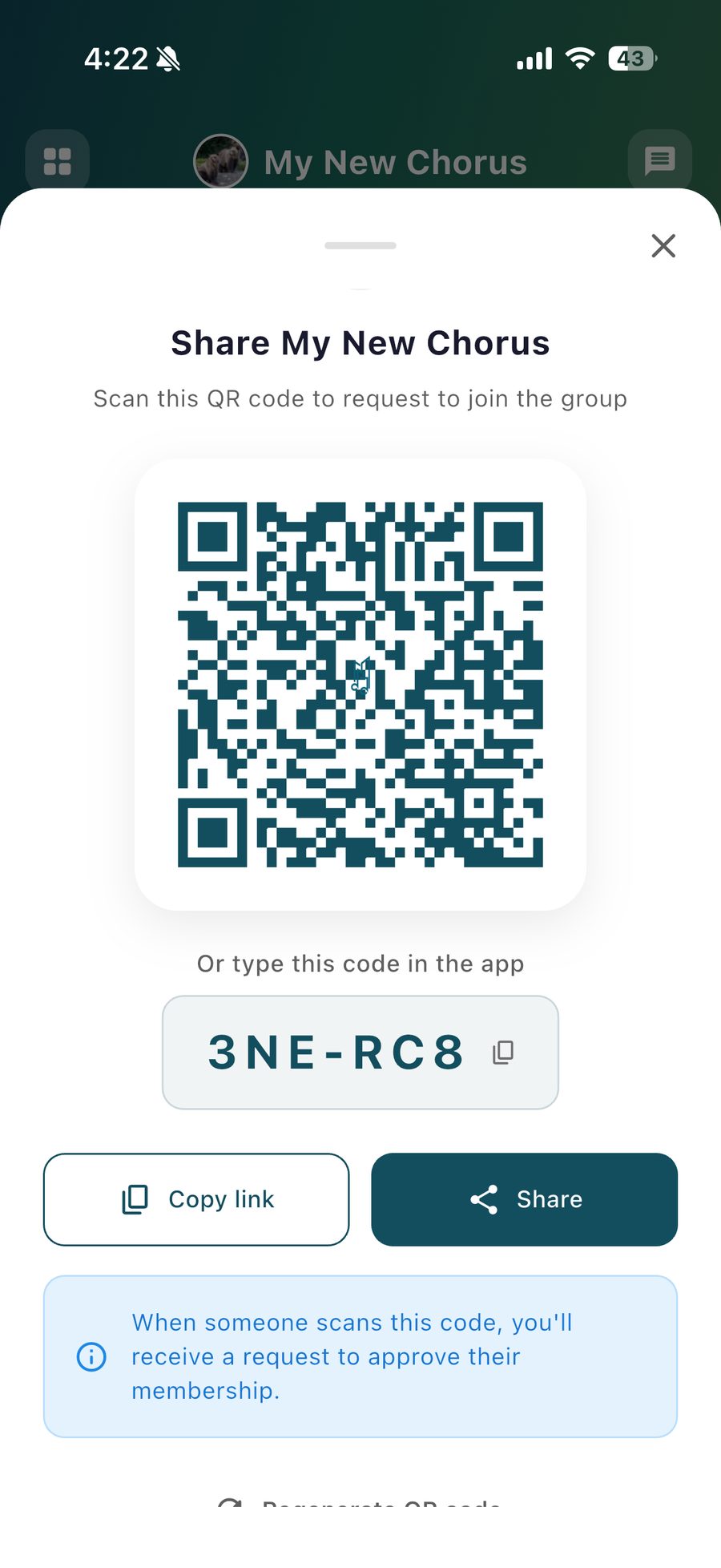
Get the whole chorus in with a QR code, not twenty invitations.
Invite people by name or email, or share a join link and QR code at rehearsal and approve requests as they come in. Remove members, hand ownership to the next president, and see who hasn’t accepted yet.
Roles and permissions
Give people exactly the access they need.
Four roles: Owner, Admin, Manager, and Member. Managers add music, events, and announcements. Admins invite and remove people and change settings. Members see everything they need and can’t break anything.
Files
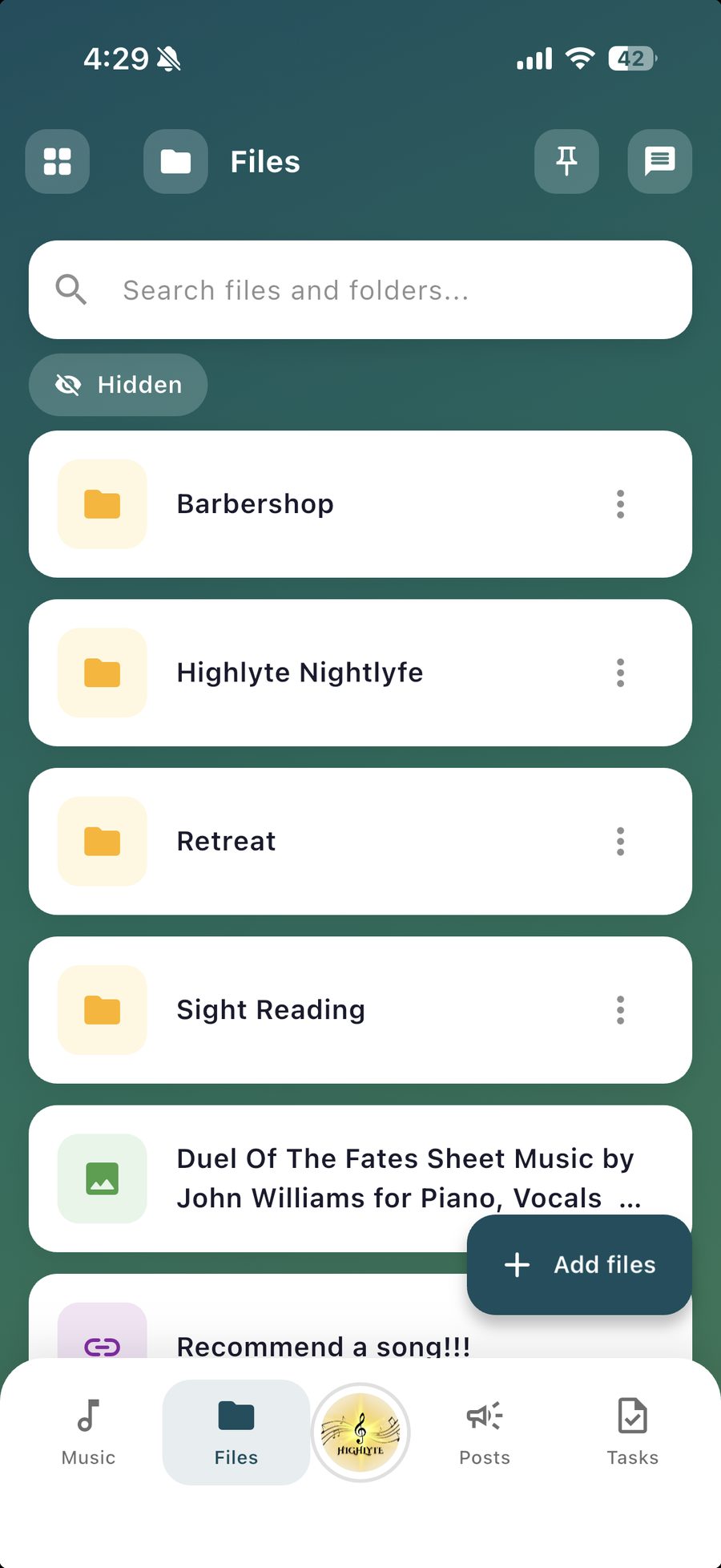
Bylaws, riser charts, and the gala menu, in the same app as the music.
A file store separate from the sheet music, with folders, links, and pinning. Keep a document admin-only, or move a PDF into the music list when it turns out to be a score.
Tasks
Assign the job, set the date, and let the app do the reminding.
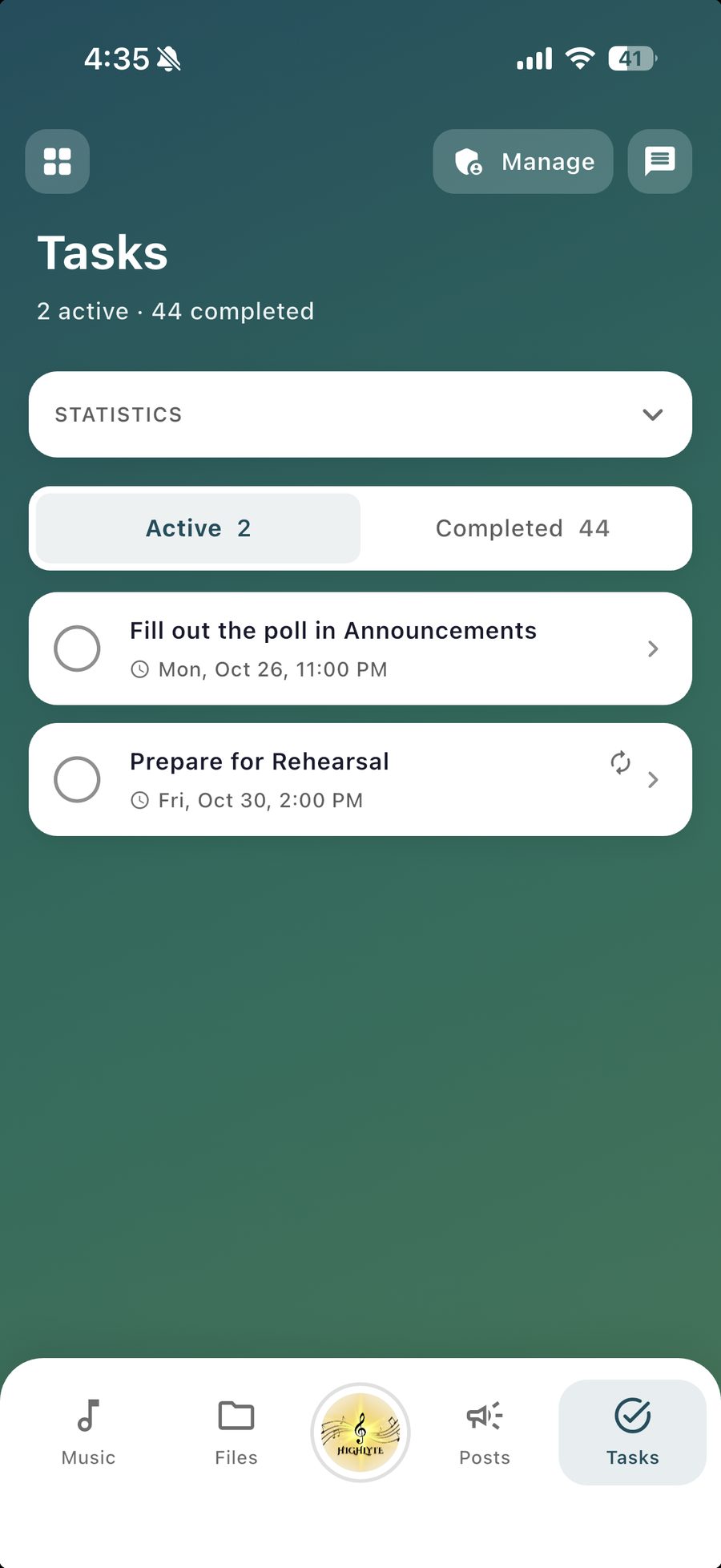
Give a task to one person or a whole section, with a due date, subtasks, and attachments. Tasks show on the calendar, and a reminder goes to whoever hasn’t finished.
Organizations
Direct several groups? Keep them together.
An organization sits over your groups: its admins are admins in every group, and the groups show together on your home screen. We set organizations up with you rather than selling them from a page. Email us about organizations.
Private by default
Your music is visible only to your members.
Groups are private unless an admin deliberately makes one public. Scores, tracks, files, and conversations are visible only to the people in the group, and admins can hide a sheet or a file from members until it’s ready.
You remain responsible for holding the appropriate licenses for any copyrighted music you distribute.
Showtime
Perform.
On the night, the program is on the audience’s phones and the running order is in the singers’ hands.
Showtime programs
A live program page for your concert, with no app for the audience to install.
Build the program from a setlist, add a welcome, guest acts, and an intermission, and run it live from the stage. The audience sees what’s being sung right now, reads your program notes, and can vote for a favorite. Nobody needs an account.
QR codes for printed programs
Print one code instead of three hundred programs.
The app makes a QR code for your Showtime page. Put it on the poster, the door, or a single printed card, and the audience follows along on their phones.
For everyone
Stay in touch.
The conversation, the announcements, and the schedule live where the music does, so nobody has to ask what they missed.
Messaging that stays
Group conversations that don’t scroll away.
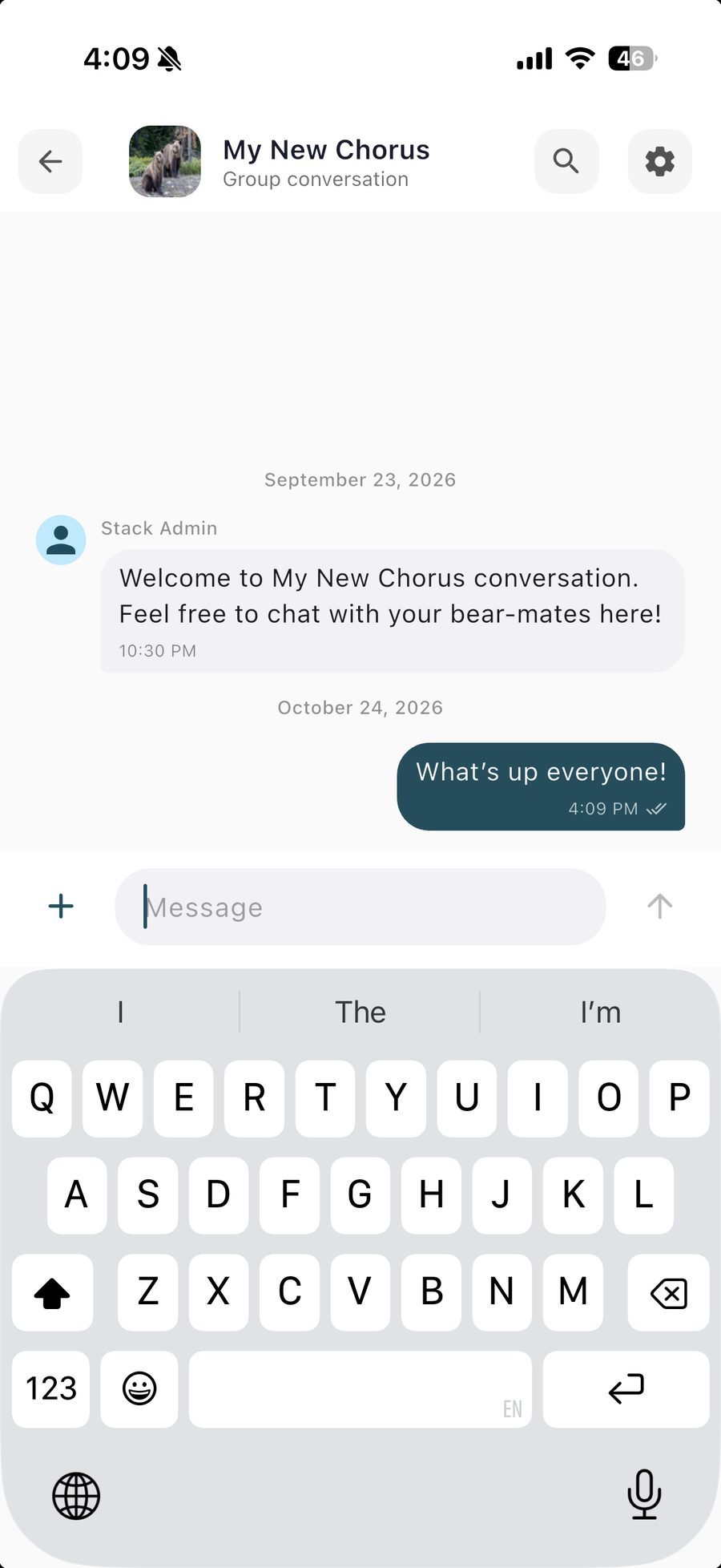
Chat with the whole group, or start a smaller chat with whoever you want. Send photos, files, voice notes, and GIFs, react to a message, reply in a thread, pin what matters, or run a quick poll. Everything stays searchable later.
Announcements
When it’s important, it reaches everyone.
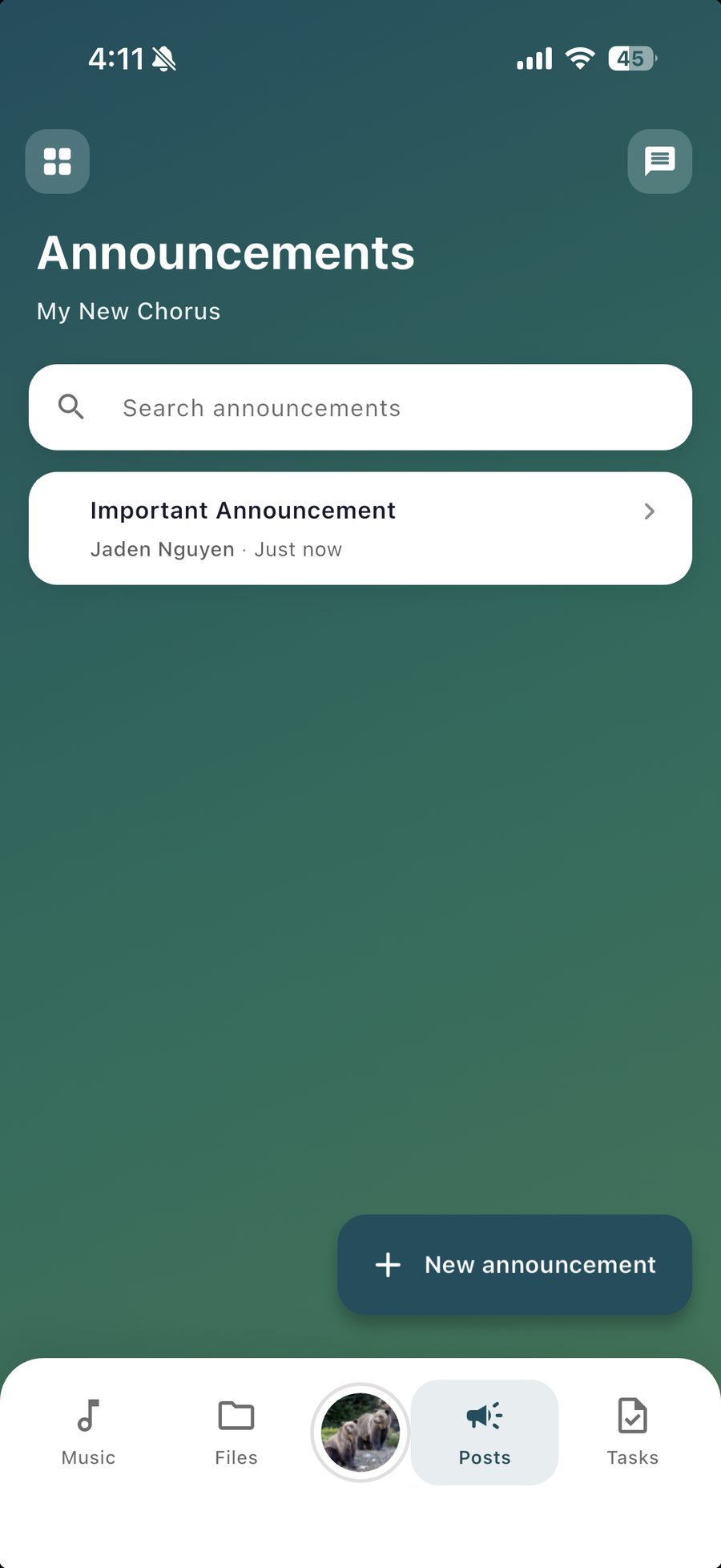
Post an announcement and it goes to every member as a notification, then stays on the group’s Alerts tab for anyone who missed it. Managers and admins post, so nobody has to scroll a chat to find it.
Calendar and RSVPs
One calendar for rehearsals, call times, and concerts, with RSVPs you can actually see.
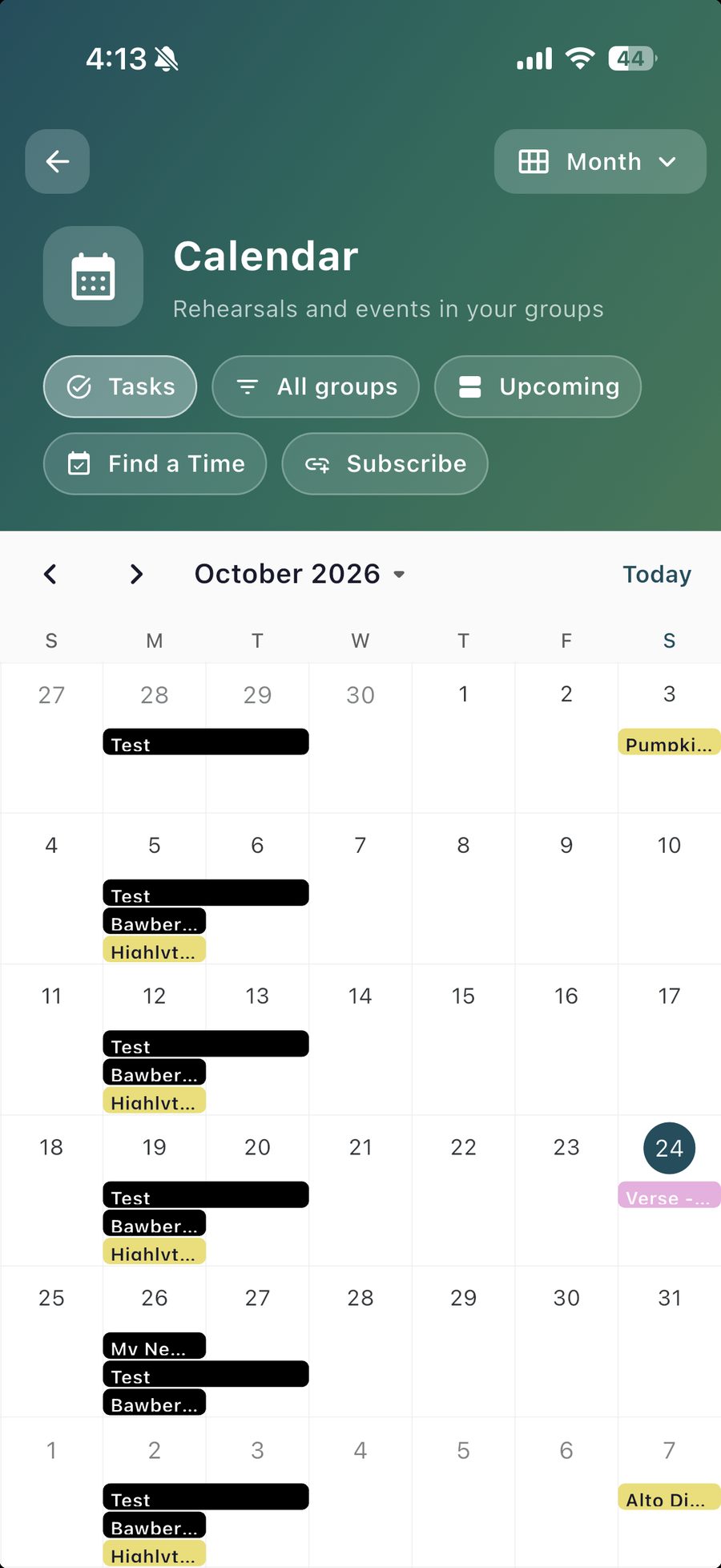
Every group you sing with, on one calendar. Singers answer Going, Maybe, or Can’t go, and the director sees the tally. Set rehearsals to repeat weekly, attach a setlist to a concert, and subscribe from Google Calendar, Apple Calendar, or Outlook so events show up where you already look.
Find a time
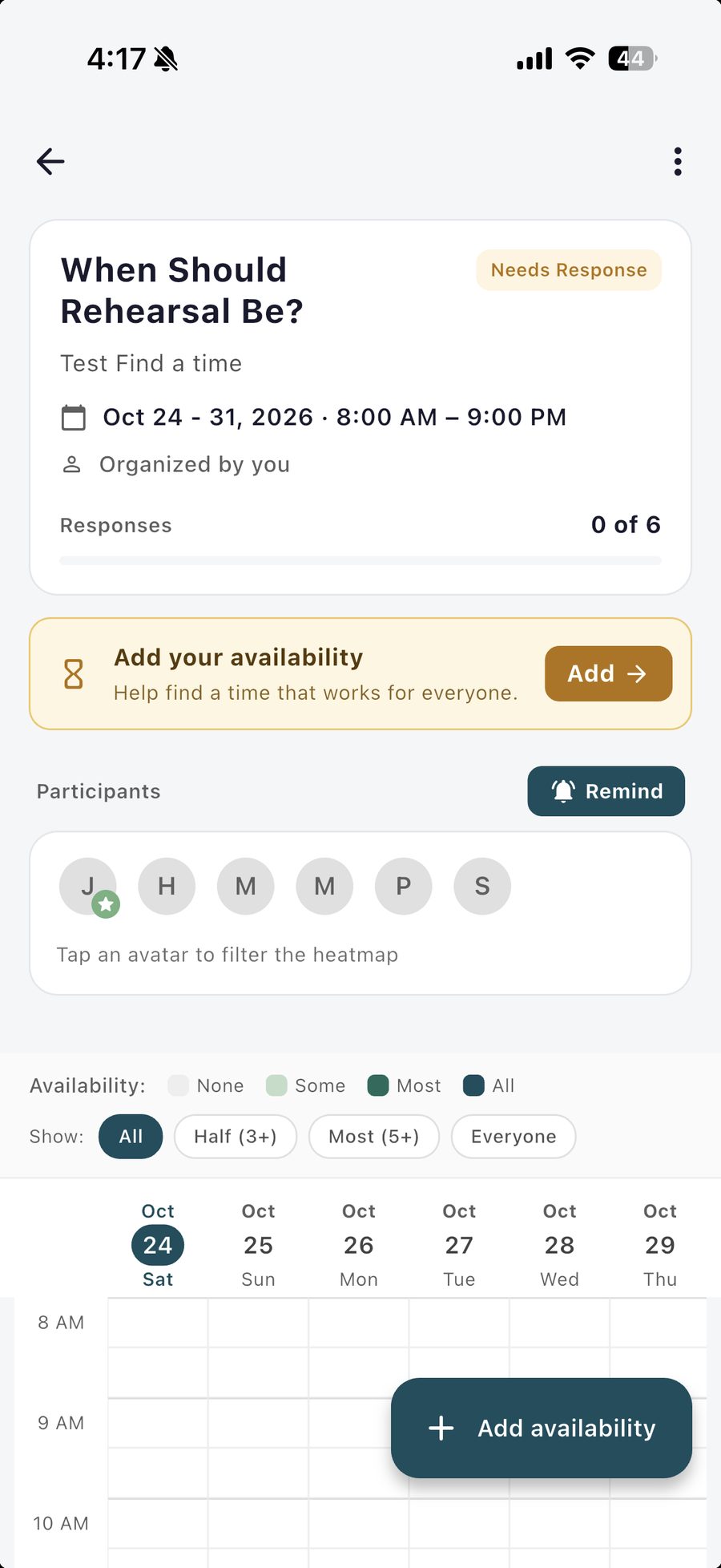
Pick a date for the sectional without a forty-message thread.
Send a few dates and a time window to the people you need. Each one paints when they’re free, the app ranks the best overlaps, and you turn the winner into a calendar event with one tap.